Excel vs Quoting Software for Sheet Metal and CNC
Almost every metalworking company starts quoting in Excel. It is flexible, everybody knows it, and it costs nothing extra. For a shop with a handful of quotes a week and one experienced estimator, it can work for years.
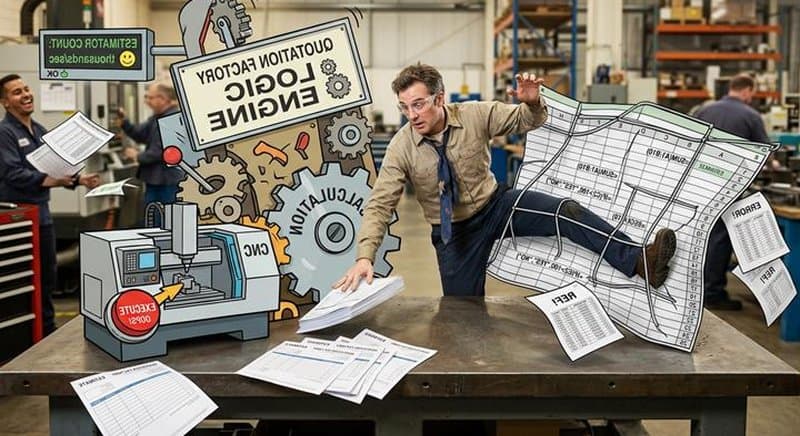
Then volume grows, the estimator is on holiday, or a customer asks why the same part cost 12 percent more last month. This is where spreadsheets start to hurt. This guide covers what breaks, when Excel is still the right tool, how the two compare, and how to move without stopping your quoting.
Why Shops Quote in Excel
Excel is a good place to start for real reasons:
- No new software, no budget request and no training.
- Total control: you can add a column for any rule you invent.
- It matches how the estimator thinks, because the estimator built it.
Nothing is wrong with that. The problem is what happens when the quoting process has to be repeated by more people, on more parts, at higher speed.
Excel Quoting Template: What to Include
If you stay on a quoting spreadsheet for now, make the template do the work instead of the estimator's memory:
- Rate tabs kept separate from quotes: material prices per kg or per sheet, machine hourly rates and labour rates in one place, so a price change does not need edits in every quote.
- One row per part, one column per operation: cutting, bending, machining, welding, finishing and hardware, each with its own time and cost.
- Material with scrap: sheet or bar size, nesting yield and a scrap factor instead of the net part weight.
- Setup split from run time: so small batches get a correct unit price.
- Fixed margin rules: margin per customer group or quantity break, not typed by hand per quote.
- Locked formulas and a version number: so nobody overwrites the logic by accident.
A sample layout for the part rows, with formula descriptions instead of numbers:
| Part | Material & thickness | Gross weight incl. scrap (kg) | Material cost | Cut time (min) | Bends | Setup (min) | Run cost | Margin % | Unit price |
|---|---|---|---|---|---|---|---|---|---|
| Bracket A | Steel, 2 mm | = net weight ÷ nesting yield | = kg × EUR/kg | = cut length ÷ speed + pierces × pierce time | = count from drawing | = setup time ÷ batch qty | = material + cut time × machine rate + bends × time × brake rate + setup | = from margin rule table | = run cost × (1 + margin %) |
| Cover B | Stainless, 1.5 mm | = net weight ÷ nesting yield | = kg × EUR/kg | = cut length ÷ speed + pierces × pierce time | = count from drawing | = setup time ÷ batch qty | = material + cut time × machine rate + bends × time × brake rate + setup | = from margin rule table | = run cost × (1 + margin %) |
Even a well-built template still depends on someone reading the drawing and typing the inputs. That is where the limits below start.
Where Spreadsheets Break Down
Consistency
Two estimators quote the same bracket and get two prices. Each spreadsheet has slightly different hourly rates, scrap assumptions or setup times, and nobody knows which is right. Customers notice, and so does your margin.
Nesting and material cost
A spreadsheet can multiply part area by a material price and add a scrap percentage. It cannot nest. The real cost of a laser part depends on how it fits on the sheet with other parts, which a flat scrap factor only approximates. Over a year, the gap between the assumed and actual material use is money you do not see.
Machine time
Cutting time depends on contour length, piercing count, material, thickness and the machine's parameters. Bending time depends on the number of bends, tooling and part size. In Excel, an estimator usually types in a rough figure per part or relies on a rule of thumb. That is fine for familiar parts and unreliable for unfamiliar ones.
Reading the drawing
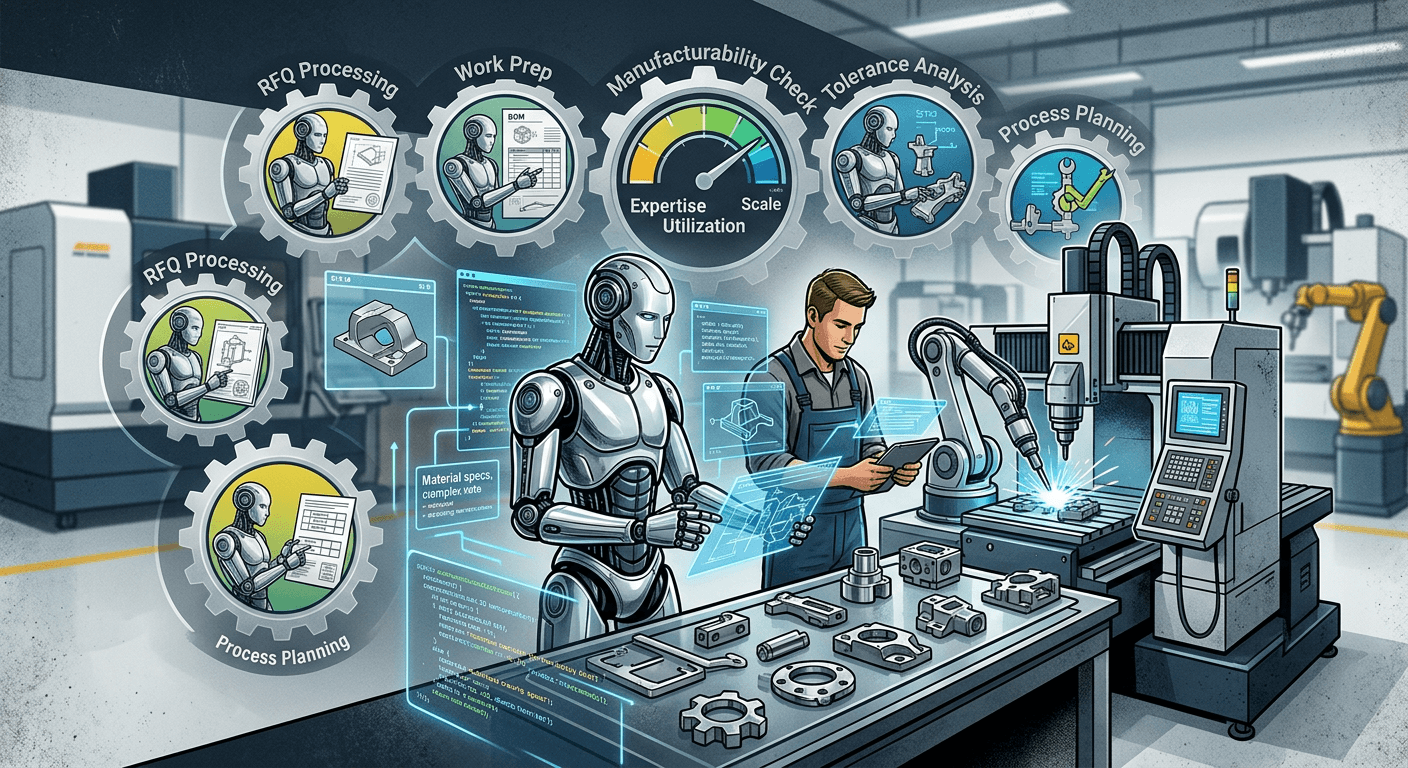
Someone still has to open the STEP or DXF file, count holes and bends, measure cut lengths and read the material and thickness. This is the slowest step and the one most dependent on a single person. Software that reads the geometry removes it.
Version chaos
Files named quote_final_v3_JK.xlsx, copies on three laptops, a price list that was updated in one copy but not the others. When a customer asks for a requote six months later, you may not be able to reproduce the original calculation.
Key-person risk
The spreadsheet encodes what one person knows. When that person leaves, retires or is sick, the knowledge is gone or only half documented.
No handoff
Won quotes still need to be retyped into the ERP: part numbers, bills of materials, routings. Each retype is a chance for an error and a delay.
When Excel Is Still Fine
Be honest about your own situation. Excel is likely enough if:
- You send fewer than about 10 quotes a week, and one person does all of them.
- Your parts are very similar, so one reliable calculation model covers most of them.
- Quote speed is not a competitive issue and you rarely lose work on response time.
- You do not need to connect quotes to an ERP or CAM system.
If you recognize your shop in that list, keep the spreadsheet and revisit when things change. Software pays back when volume, variety or the number of people involved grows.
Excel vs Quoting Software
| Area | Excel | Quoting software |
|---|---|---|
| Reading CAD files | Manual: open the file, count features | Automatic from STEP, JT, DXF, DWG and PDF files |
| Nesting and material | Area times price plus a scrap factor | Calculated from nesting on actual sheet sizes (in tools that include nesting) |
| Machine time | Typed estimates or rules of thumb | Calculated from machine parameters |
| Consistency between estimators | Depends on each copy of the sheet | One shared calculation model |
| Version control | Files and copies | Central, with history |
| Customer self-service | Not possible | Possible through a portal |
| ERP and CAM handoff | Retyping | Can be automated through integrations |
| Upfront cost | Low | Subscription and setup |
| Flexibility | Unlimited, but unmanaged | Configurable within the tool |
How Quotation Factory Replaces the Spreadsheet
Quotation Factory is cloud-based manufacturing quoting software built for metalworking manufacturers. You drop in STEP, JT, DXF, DWG or PDF files (30+ formats in total), and it analyzes the geometry and calculates the quote from your own machine, material and rate data.
- Sheet metal: automatic nesting, laser cutting time from machine parameters, bend deductions with K-factors and tooling, and material matched from your catalog.
- Tube and profile: cut lengths, miter angles, copes and notches detected from 3D models, with remnant logic and welding seam time.
- CNC machining: features such as pockets, bores and threads recognized from STEP files.
- Self-service portal: customers request and view quotes on your website in your branding.
- Edge Connector: connects to Ridder IQ, MKG, Bemet and CAM systems such as TruTops Fab and Lantek Integra, so won quotes can create bills of materials automatically.
Prices are public on the pricing page: EUR 1,870 per month for the platform with a one-time setup fee, EUR 745 per month for the self-service portal, and a free Edge Connector with consultancy-based setup.
Other Options Between Excel and a Full Platform
You do not have to jump straight to a full platform. Lighter quoting tools and instant-quote webshops can cover simpler needs, and some CAD/CAM packages include quoting modules built on their own nesting and cutting-time engines. Whatever you choose, replacing Excel works best when the tool matches your machines, your processes and your ERP.
How to Migrate From Excel Without Stopping Quotes
- Document your current logic. Write down the rates, setup times, scrap factors and markups your sheet uses. This is the knowledge you want to keep.
- Clean the master data. Material list with prices, machine list with parameters, hourly rates, outsourced operations.
- Pick 20 recent parts. Include won and lost quotes and a few awkward parts.
- Quote them in both systems. Compare the new results against the spreadsheet and the actual outcome. Differences show where your Excel assumptions were off, or where the new tool needs configuring.
- Run in parallel for two to four weeks. Keep Excel as a check while the team gains confidence.
- Connect the ERP. Once quotes are trusted, automate the handoff so won quotes no longer get retyped.
- Retire the spreadsheet. Archive it read-only, and move simple repeat customers to the portal.
Quotation Factory sets up the platform with you, including your machine and material data. Book a demo and bring your spreadsheet and a few real files.
FAQ
Is Excel good enough for quoting sheet metal?
For a small number of similar parts and one experienced estimator, yes. It struggles with nesting, machine-time accuracy, consistency across estimators and handoff to the ERP.
When should I switch from Excel to quoting software?
Typical triggers: more than one person quotes, quotes take days, you cannot explain price differences between similar parts, or you lose work to faster competitors.
How long does it take to replace Excel with quoting software?
It depends on how clean your data is and how many systems must connect. Plan for parallel running of a few weeks before you switch off the spreadsheet.
Can quoting software work with my existing ERP?
Often yes. Quotation Factory's Edge Connector supports Ridder IQ, MKG and Bemet, and several CAM systems. Ask any vendor for a list of ERPs they already support.